Invite your team
This guide will show you how to invite new users to your organisation.
You will need to have the Team admin role.
Send an invitation
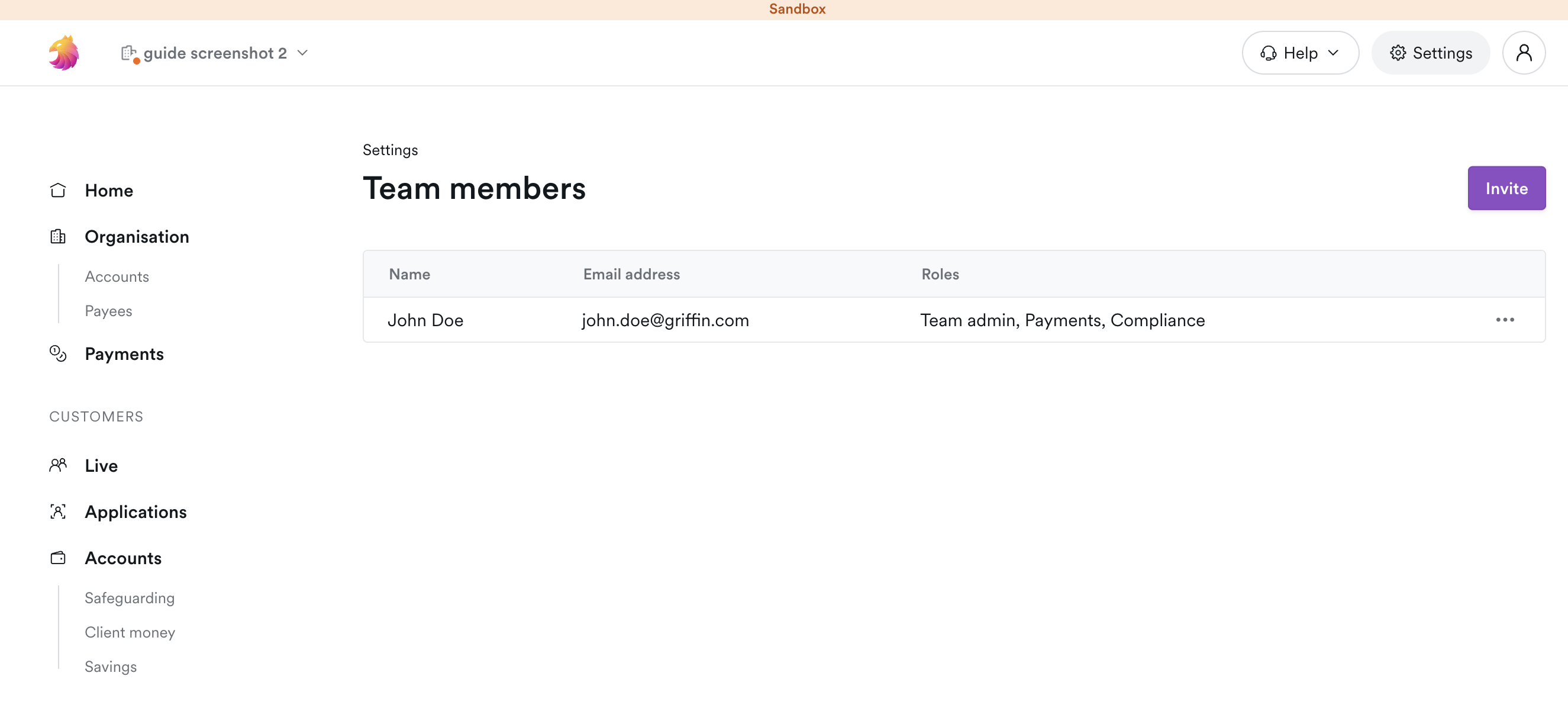
Navigate to the Team members page under Settings in the app.
Use the Invite button and enter the email address of the user you want to invite.
Set their role
info
When a new user joins your organisation, they will have the Team member role, which means they can't see or do anything in your organisation until you give them a different role.
Once your new user has accepted your invitation, they will appear on the Team members page.
You can now assign them a role, which will determine the actions they can take within your organisation.